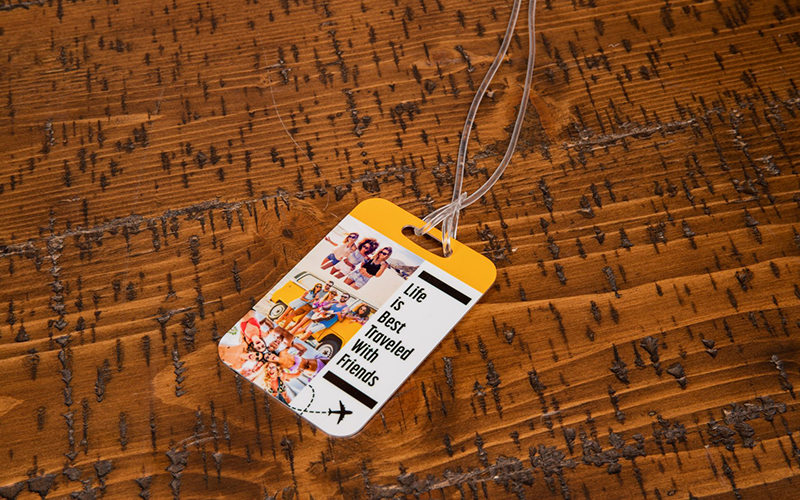

Products: 4625, 5556, 5505, 5507, 5503, 5655, 5649, 4623, 4624, 4729, 5897, 4621, 4955, 4956
How to determine what substrate your product is:
FRP: product has a white edge
Aluminum: product has a silver edge
Natural Wood: product has a wood finish
Learn how to sublimate Unisub bag tags. Bag tags make a great addition to luggage, a back pack, or diaper bag.
Bag tags are available in aluminum, FRP, and hardboard substrates. Instructions are similar for each substrate, but be sure to follow the ones that apply to the product you are sublimating. If you are searching for bag tag templates, graphics or other assets click here.
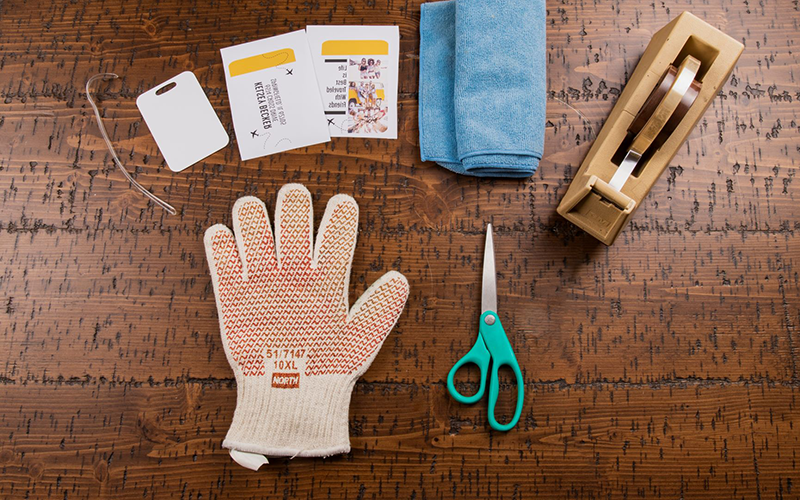
What You Need
- Blank Unisub Bag tag
- Transfer(s) from your sublimation printer
- Heat Tape
- Scissors
- Clean, lint free cloth
- Heat resistant gloves
- Protective paper (Blow Out Paper)
- Heat press set to 385°F / 195°C
instructions
Step 1. Get Your Heat Press Ready
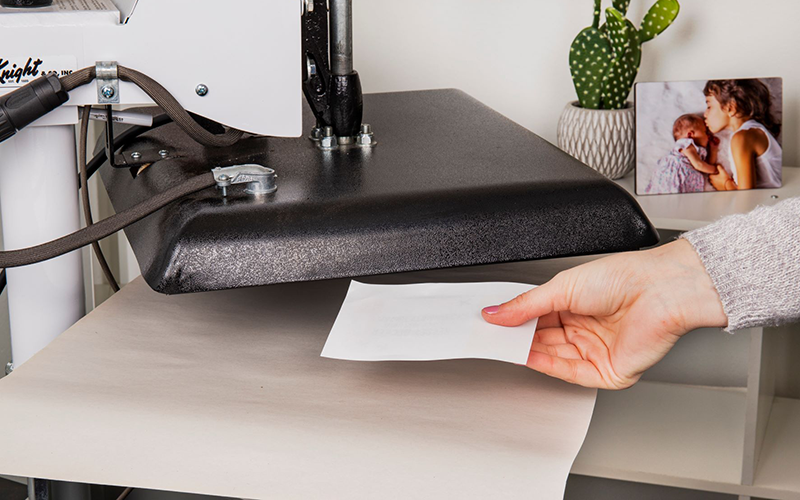
Turn on your heat press. We recommend pressing all of our products at 385°F / 195°C. Be sure to lay a piece of protective paper on the bottom of the press.
Step 2. Prep Your Bag Tag
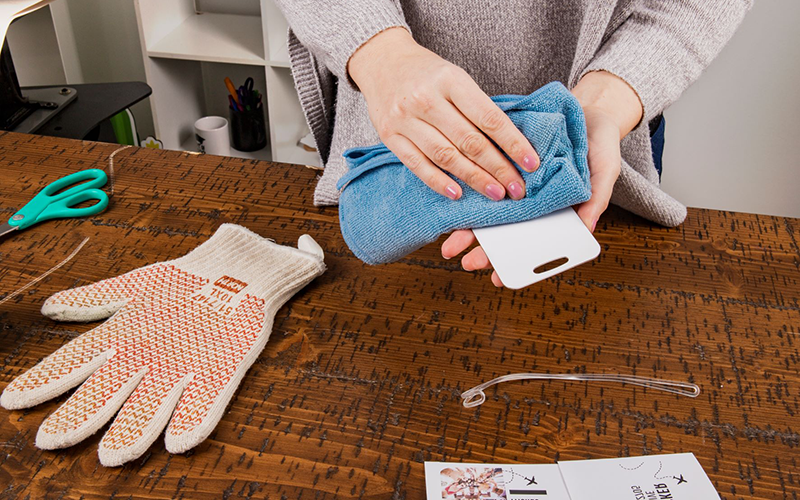
Remove any film that may be on the surface of the bag tag. Clean off the surface with a cleaning cloth, all purpose cleaner, or a can of compressed air.
Step 3. Pair the Transfer With the Bag Tag
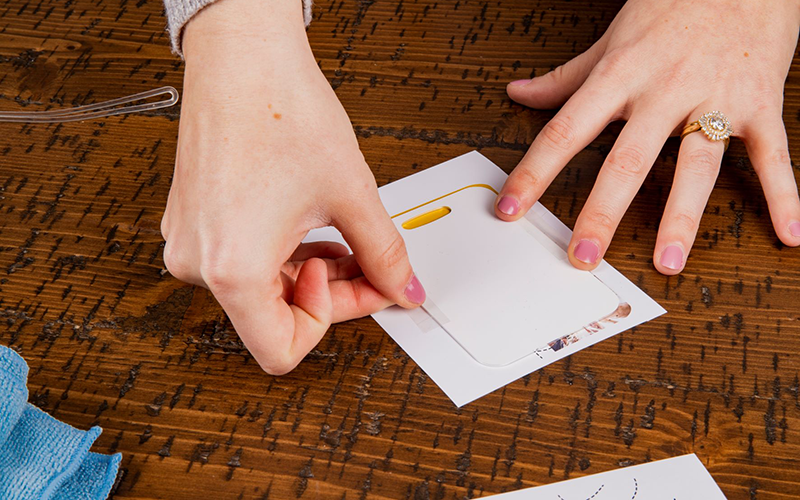
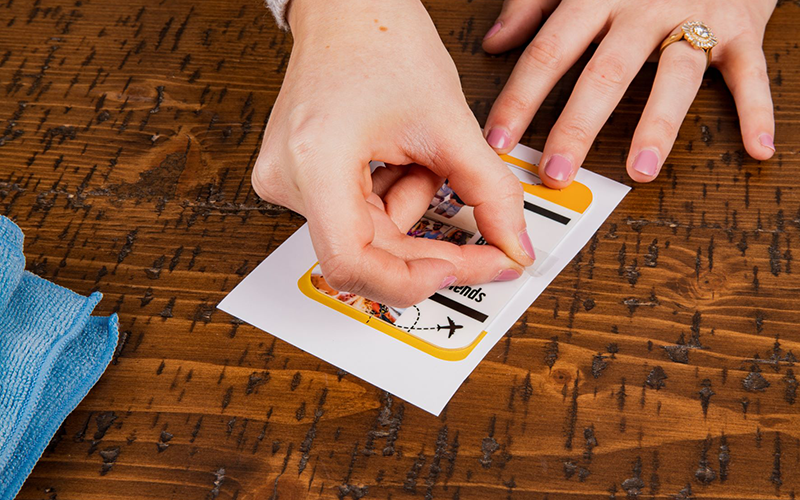
Lay the transfer down on a flat surface with the printed image facing up. Place one side of your bag tag on top of the transfer and line it up. Take two pieces of heat tape and secure the bag tag to the transfer.
Note: For FRP and natural wood bag tags press one side at a time and follow instructions 4 – 9. If you have an aluminum bag tag you have the option of pressing both sides at once or you can press one side at a time.
Instructions for pressing both sides at once are as follows: Using scissors cut most of the excess white paper off from around the design. Lay the transfers down on a flat surface with the printed images facing up. Pair the bag tag with one of the transfers. Take it into your hand and using your finger create a crease of the product on the transfer. Place the bag tag and transfer on top of the other transfer. You can raise the corners of the top transfer to make sure that your bag tag is covered by both transfers. Using two or three pieces of heat tape, tape the two transfers together to create a pouch for the bag tag. Try to avoid putting heat tape on the surface of the bag tag as it may cause discoloration during sublimation. Next follow instructions 4 and 5.
Step 4. Let’s Sublimate!
Place the transfer and bag tag into the heat press with the transfer on top. Lay another piece of protective paper on top of the bag tag. Confirm that the heat press is at the correct temperature. Pressing times are below.
Aluminum Bag Tag: 50 – 60 seconds 1 side at a time, 70 – 80 seconds both sides at once
FRP Bag Tag: 70 – 75 seconds, 1 side at a time
Natural Wood Bag Tag: 45 – 55 seconds, 1 side at a time
Step 5. Remove the Bag Tag from the Heat Press
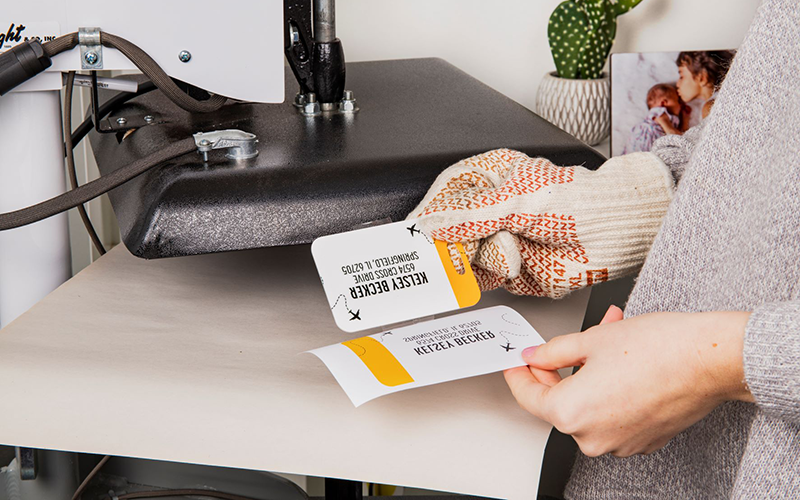
Once the timer is done, use heat-protective gloves to remove the bag tag from the press. Let cool.
Step 6. Press the Other Side of the Bag Tag
Allow your bag tag to cool down. Lay the second transfer on a flat surface with the printed image facing up. Line up the transfer and the bag tag and using two pieces of heat tape, tape the two together. Be careful to put as little tape on the bag tag surface as possible—when pressing the second side, heat tape can sometimes lighten the image and leave depressions in the coating.
Step 7. Let’s Sublimate!
Place the transfer and bag tag into the heat press with the transfer on top. Lay another piece of protective paper on top of the bag tag. Confirm that the heat press is at the correct temperature.
Step 8. Remove the Bag Tag from the Heat Press
Once the timer is done use heat-protective gloves to remove the bag tag from the press. Let cool.
Step 9. Attach Bag Tag Loop
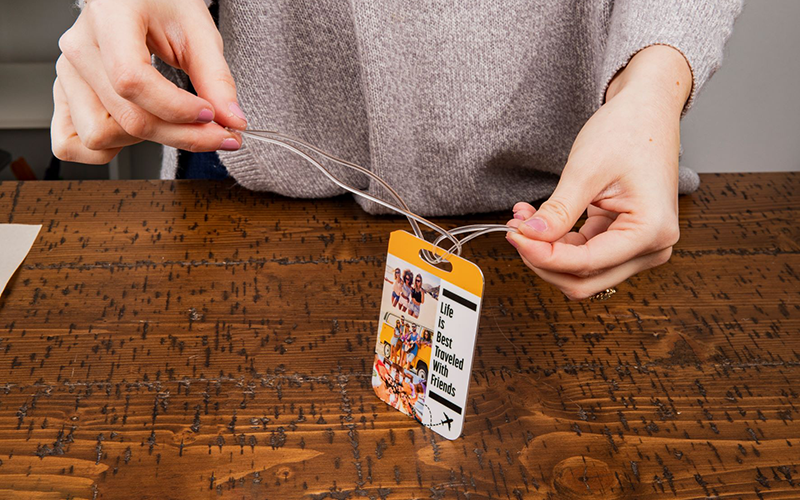
Enjoy your new bag tag!