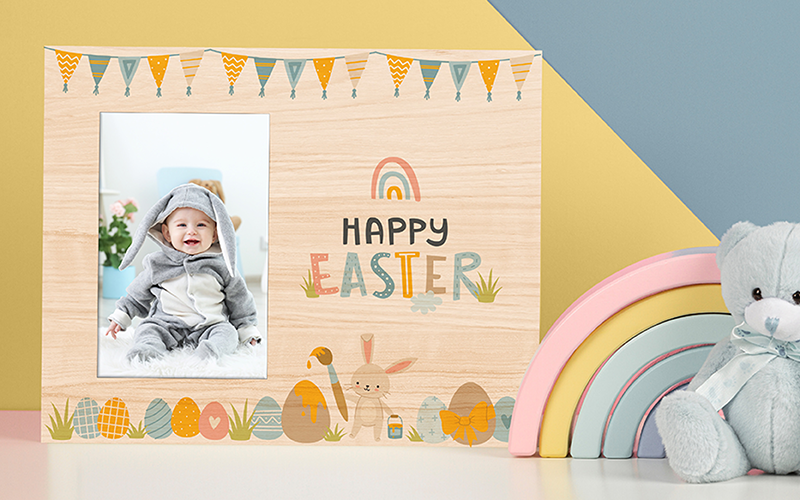
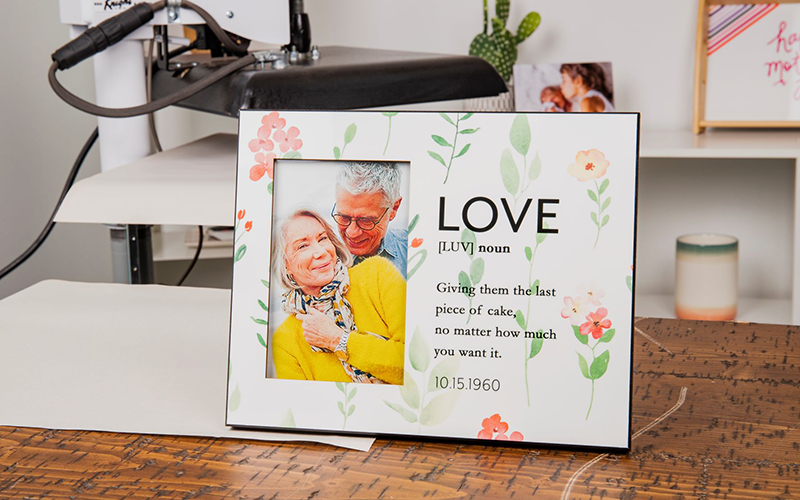
Sublimate a unique design onto a frame that can display your favorite photo!
Learn how to sublimate Unisub picture frames! Picture frames are made from our MDF (medium density fiberboard) material, in a natural and black edge. Regardless of the finish of your product sublimation instructions will remain the same, but sublimation times will vary. Once your picture frame is sublimated, follow along with the instructions for assembly. If you are searching for templates, graphics, or other assets click here.
What You Need
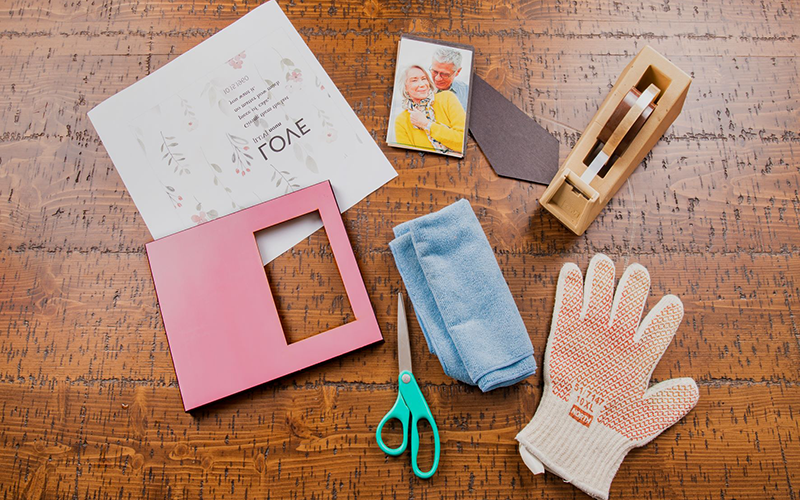
Blank Unisub picture frame blank
Picture for frame
Transfer from your sublimation printer with extra space on two sides
Heat tape
Scissors
Clean, lint free cloth
Heat resistant gloves
Protective paper (Blow Out Paper)
Heat press set to 385°F / 195°C
instructions
Step 1. Get Your Heat Press Ready
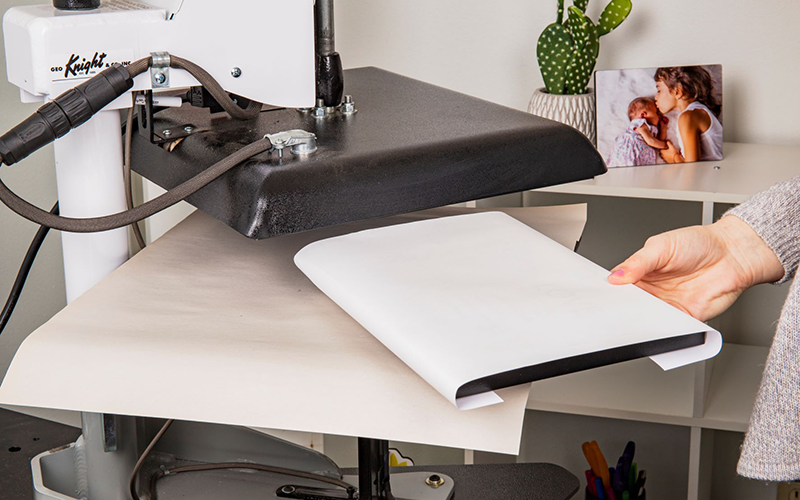
Turn on your heat press. We recommend pressing all of our products at 385°F / 195°C. Be sure to lay a piece of protective paper on the bottom of the press.
Step 2. Prep Your Picture Frame
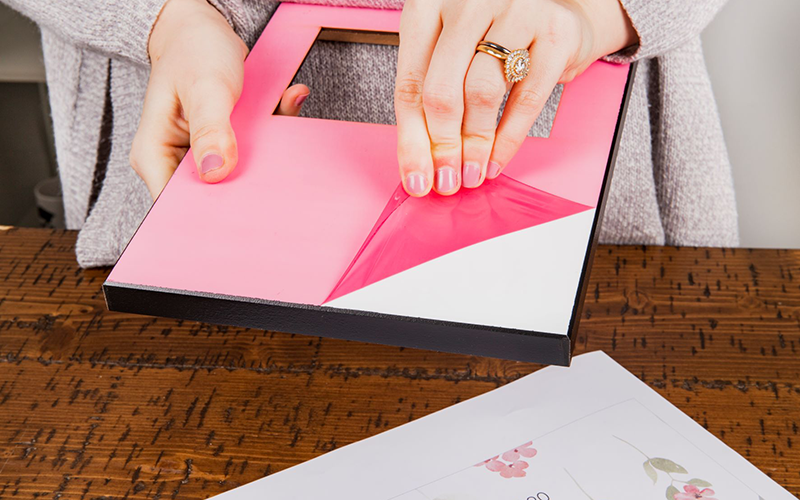
Remove any film that may be on the surface of the picture frame.
There may be black particles around the edge of the product due to the nature of the substrate. You can clean this with your all-purpose cleaner or run your fingernail along the edge to scrape it away. Wipe the surface of the product with a cleaning cloth, all-purpose cleaner, or a can of compressed air after you remove the particles.
Step 3. Pair the Transfer with the Picture Frame
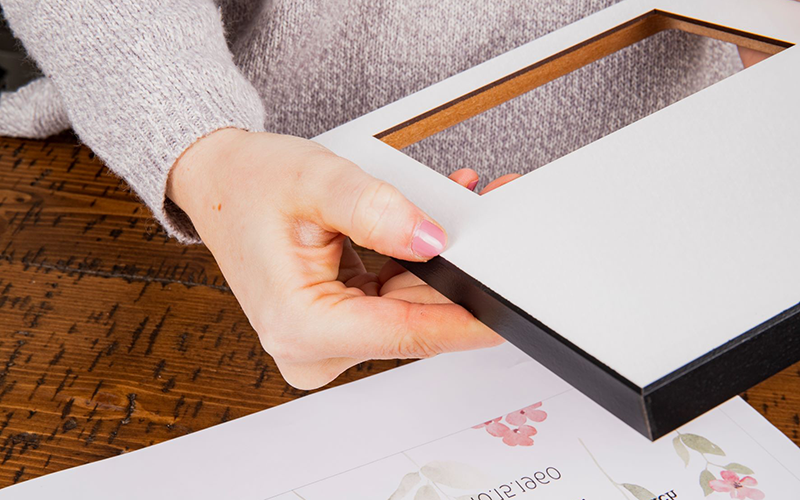
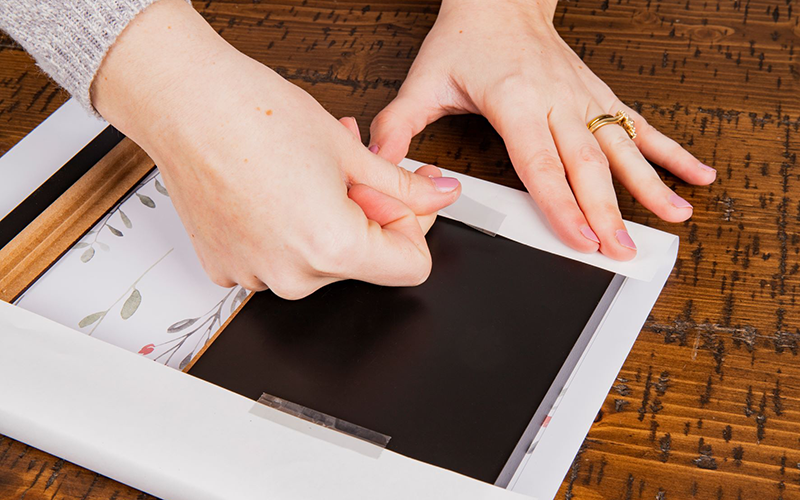
Lay the transfer down on a flat surface with the printed image facing up. Place the blank on top of the transfer. Fold the edge of the transfer over the edge of the blank and tape the transfer to the back of the product. Avoid placing tape directly against the edge of the MDF, the tape may take the foil off the edge.
Step 4. Let’s Sublimate!
Place the transfer and picture frame into the heat press with the transfer on top, the product facing up. Lay another piece of protective paper on top of the picture frame. Confirm that the heat press is at the correct temperature. Pressing times are below.
Picture Frame 8″ x 10″ for 5″ x 7″, MDF: 1:00-1:20 Picture Frame 8″ x 10″ for 4″ x 6″, MDF: 1:00-1:20 Picture Frame 8″ x 10″ offset for 4″ x 6″, MDF: 1:10-1:25 Picture Frame 8″ x 10″ for 4″ x 6″, Natural Wood MDF: 1:00-1:10 Picture Frame 8″ x 10″ offset for 4″ x 6″, Natural Wood MDF: 1:05-1:15
Step 5. Remove Picture Frame from the Heat Press
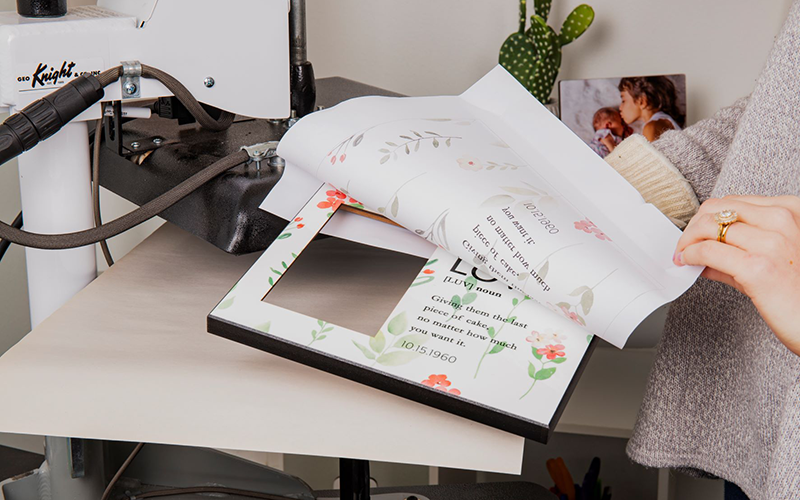
Once the timer is done use heat-protective gloves to remove the coat hanger from the press. Let cool.
Step 6. Assemble Picture Frame
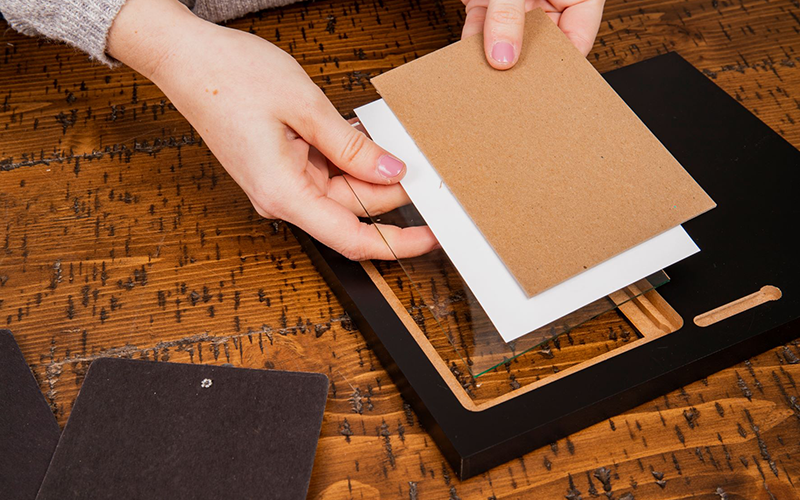
Once the blank has cooled you can insert the picture, glass, and attachment piece into the sublimated blank. First place the glass piece into the opening, followed by the picture and the cardboard spacer. Insert the remaining piece into the frame.